|
Do you have programs listed in your Control Panel's Add/Remove Programs list that you just can't seem to remove? UninstallDummy! is an easy solution to highlight, uninstall, and remove phantom program entries in your Add/Remove Programs list. While the standard Control Panel's Add/Remove Programs applet works quite well for removing most of the software you've installed, there are many times when it fails to work properly. This leaves phantom programs which stay visible in your Add/Remove Programs list, even though the program has already been uninstalled. UninstallDummy! solves this problem by allowing you to remove any stray programs from the Add/Remove Programs list.

Keywords: uninstall, add/remove, add remove programs, uninstalldummy, uninstaller, add/remove programs applet
|
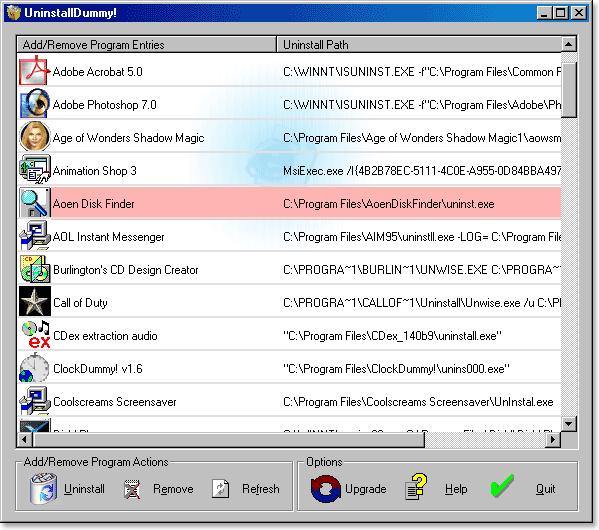
Click to enlarge
|
| 


 Web Page Thumbnails 2.8.0: Free software to easily capture thumbnails of web pages