|
Folder Guide is a free handy utility that provides fast access to your frequently used and favorite folders. It can operate as the part of your context menu in your Windows Explorer. After quick install it will appear in context menus of Windows Explorer and Open/Save dialogs as "Folder Guide" item.With Folder Guide, you no longer need dozens of mouse clicks to navigate to your desired folder. Now reach your favorite folders in just 2 mouse clicks. Select from right click menu "Folder Guide" then click on your desired folder. Folde Guide runs automatically as part of the Windows Explorer context menu, so you will never need to start the program otherwise you want to edit the list of folders. It also works from the desktop, the Start button.

Keywords: change folder, explore folder, open folder, folder shortcut, shell tool, shell enhance, folder express, access folder, jump folder, favorite folder, browse folder
|
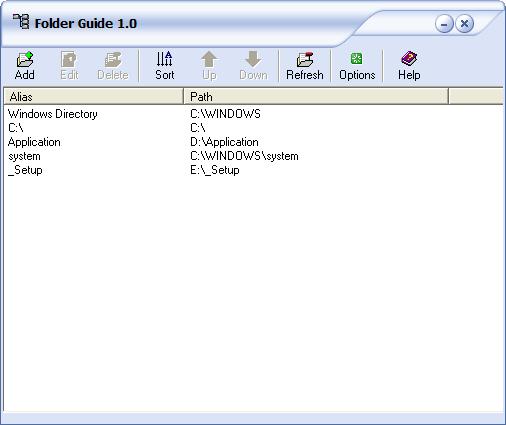
Click to enlarge
|



 Web Page Thumbnails 2.8.0: Free software to easily capture thumbnails of web pages